
Clips - macOS Clipboard Manager
A downloadable utility for macOS
Clips — Native macOS Clipboard Manager
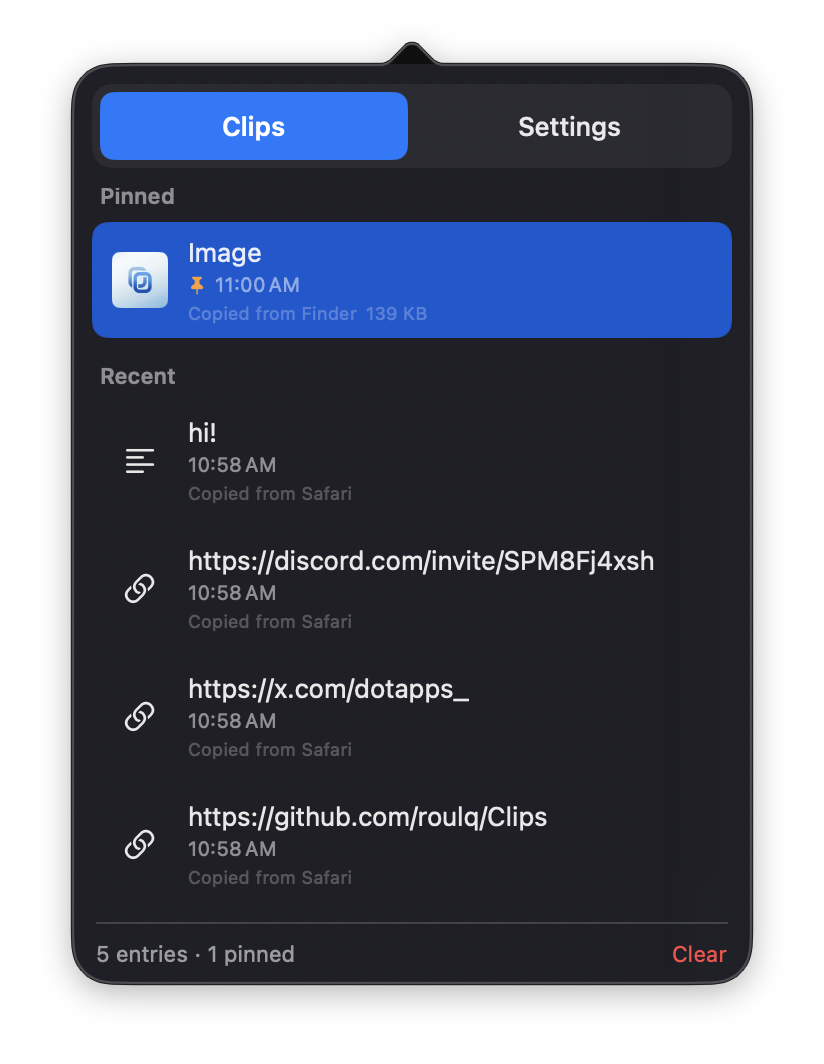
Clips is a clean, ultra-lightweight, and distraction-free clipboard manager built exclusively for macOS. No subscriptions, no Electron bloat—just pure speed and native integration.
⚡ Why Clips?
- 100% Native & Lightweight: Built with pure SwiftUI. Minimal RAM usage and 0% CPU in the background.
- Privacy First: Zero network requests. Your clipboard history stays completely offline and local to your Mac.
- Instant Access: Trigger the launcher with a simple shortcut without interrupting your workflow.
- Battery Friendly: Completely idle when you're not using it.
---
🛠️ Current Status & Roadmap
Clips is actively being improved. My focus is on deep optimization, reducing memory usage even further, and building useful features based on community feedback.
Coming soon:
• Binary & memory size optimizations
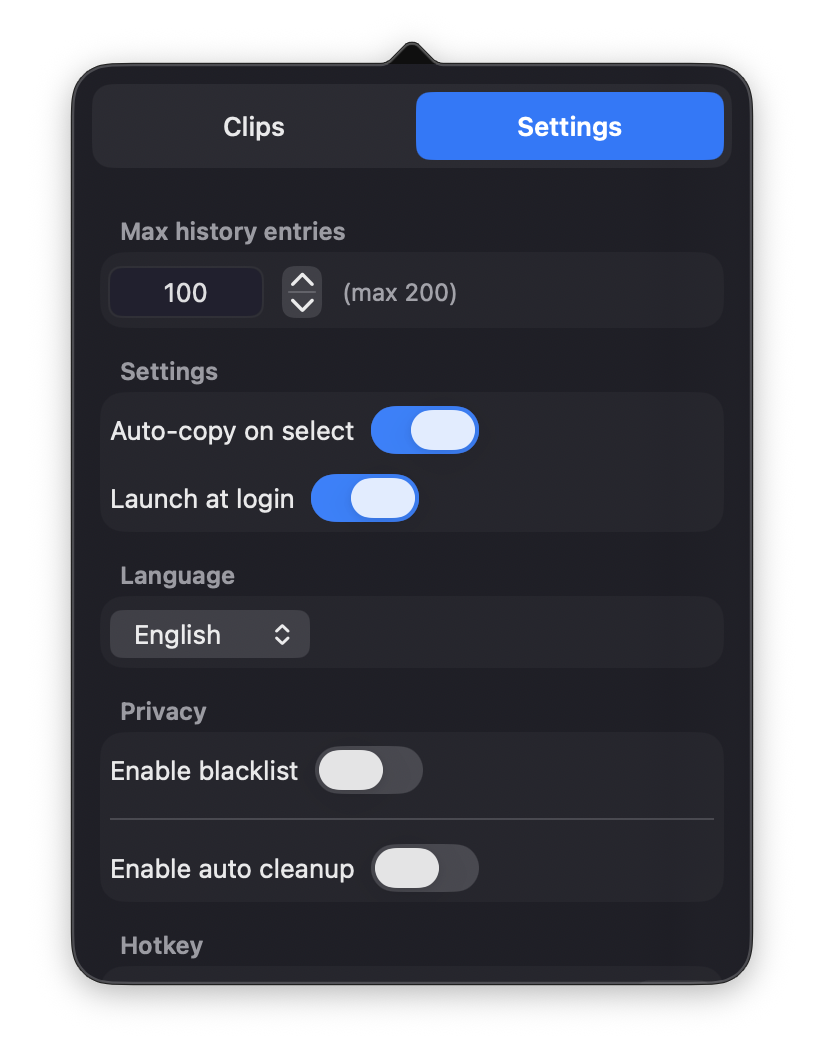
• Customization options
• Community-suggested features
---
🌐 Community & Links
• GitHub: https://github.com/roulq/Clips (App releases & detailed README)
• Discord: https://discord.com/invite/SPM8Fj4xsh (Feature requests & bug reports)
• Twitter (X): https://x.com/dotapps_ (Devlog updates)
Built with ❤️ by dotapps
Download
Install instructions
🍏 Installation Steps:
1. Download the file and open the clips.dmg.
2. Drag Clips into your Applications folder.
3. Open Clips from your Applications folder.
---
⚠️ Note for macOS Users (Gatekeeper):
If macOS shows a warning like "Clips cannot be opened because it is from an unidentified developer":
1. Open System Settings -> Privacy & Security.
2. Scroll down to the Security section.
3. Click "Open Anyway" next to the Clips alert.
(Alternatively, right-click the app in Finder and select "Open")

Leave a comment
Log in with itch.io to leave a comment.